
Arrange your HUD
Position your HUD modules in the editor and configure them individually. Keep the information you use in the places you want it.
Minecraft Java Edition 1.8.9
A customisable Minecraft client with a native Windows launcher.
Set up your HUD, choose a theme and get into the game.
0.2.3 BetaWindows 10 / 11, x64
The client
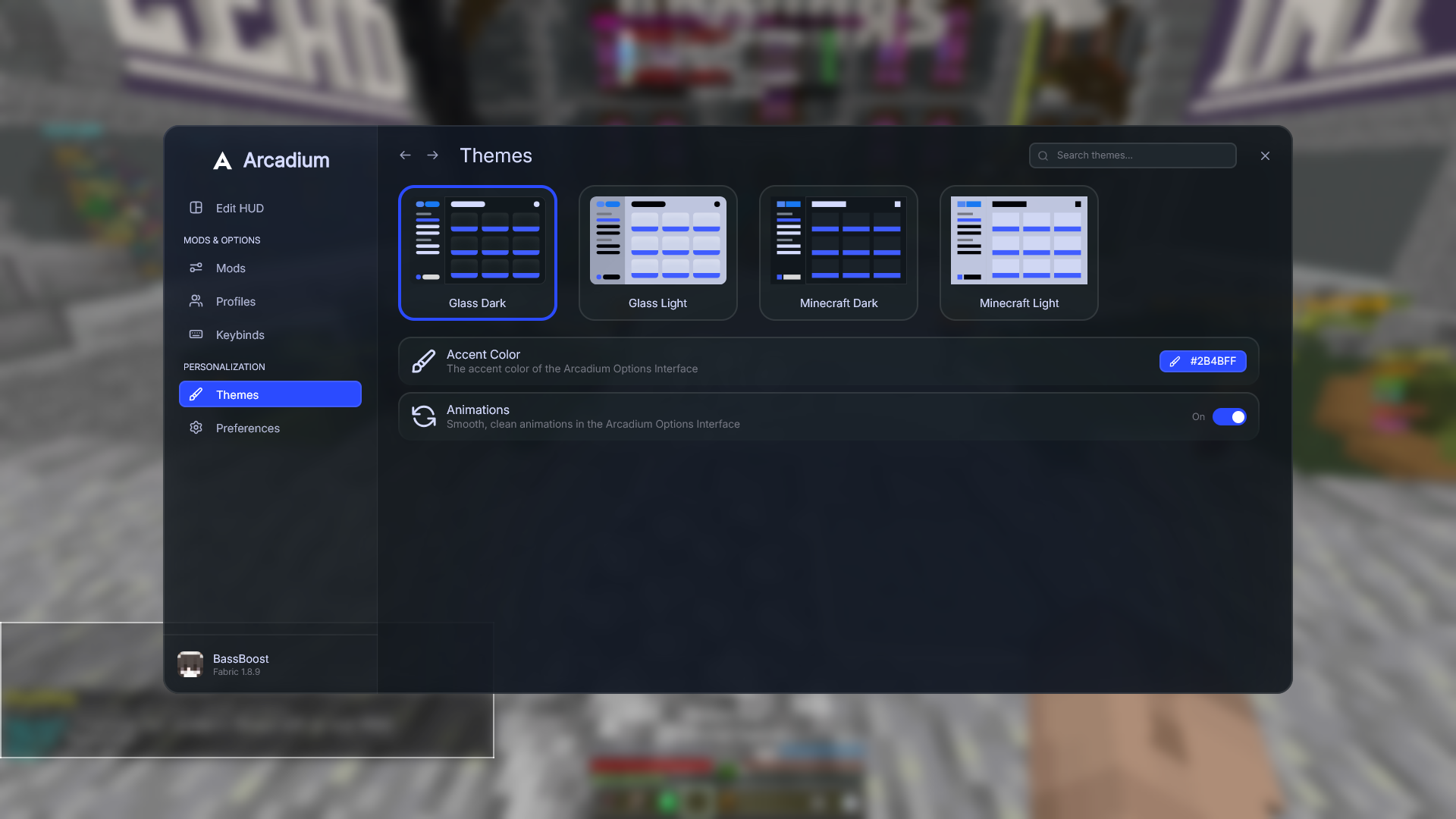
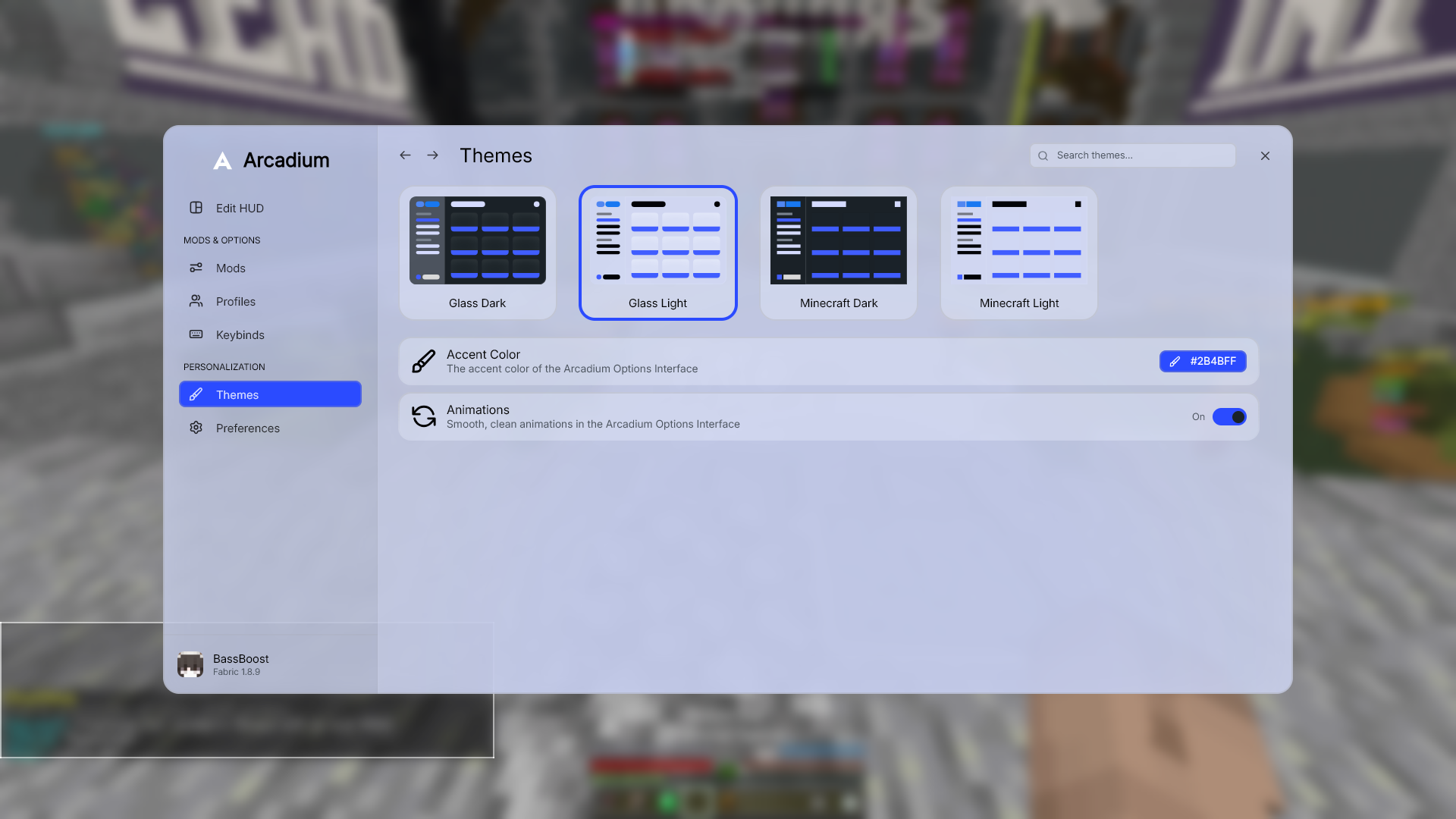
Choose Glass or Minecraft styling, switch between light and dark, and pick an accent colour. The interface uses Inter; your HUD keeps the Minecraft font.
Position your HUD modules in the editor and configure them individually. Keep the information you use in the places you want it.
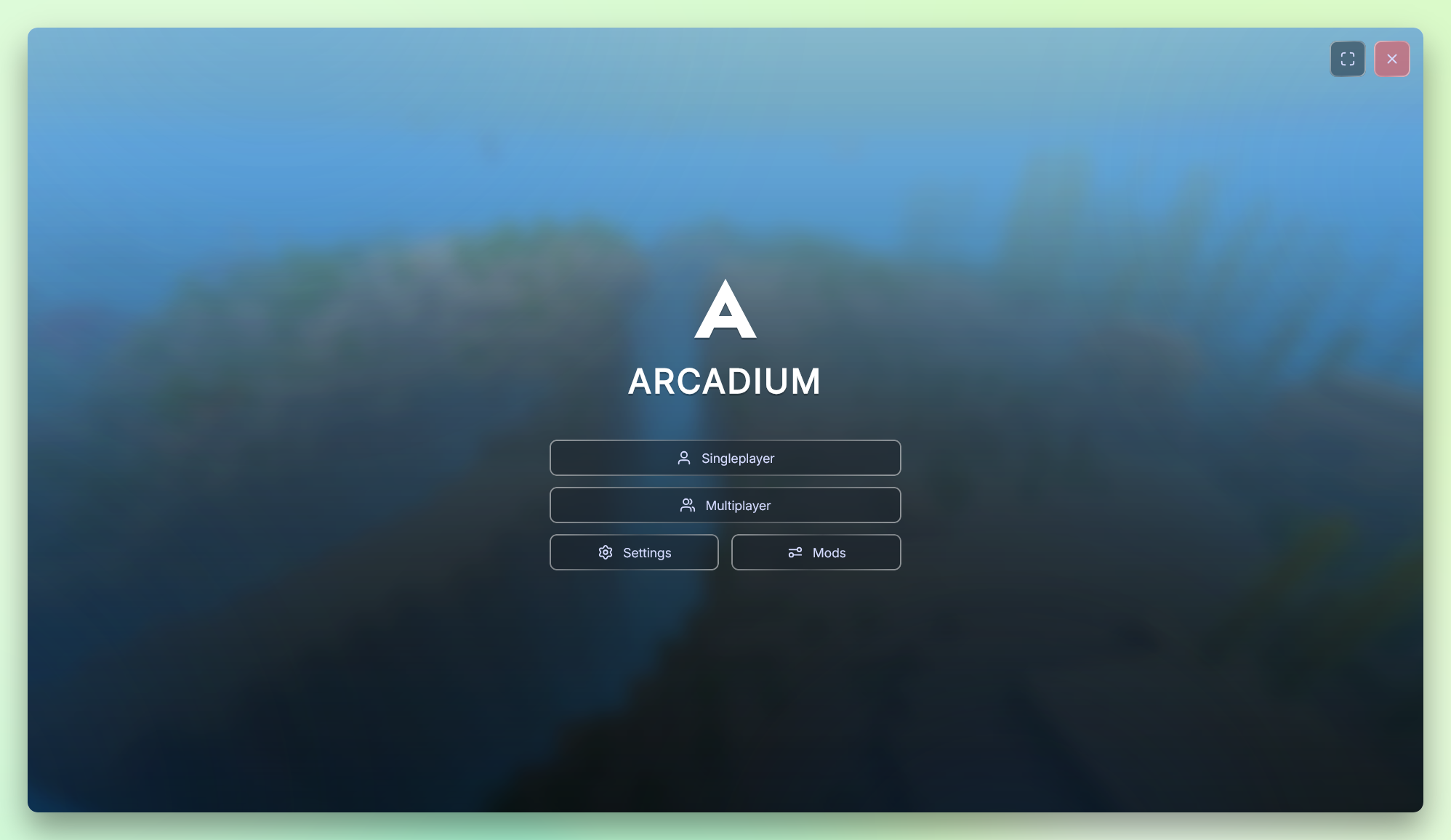
Set up Toggle Sprint, change your block outline with Block Overlay, and manage modules, profiles and keybindings from Options.
The launcher
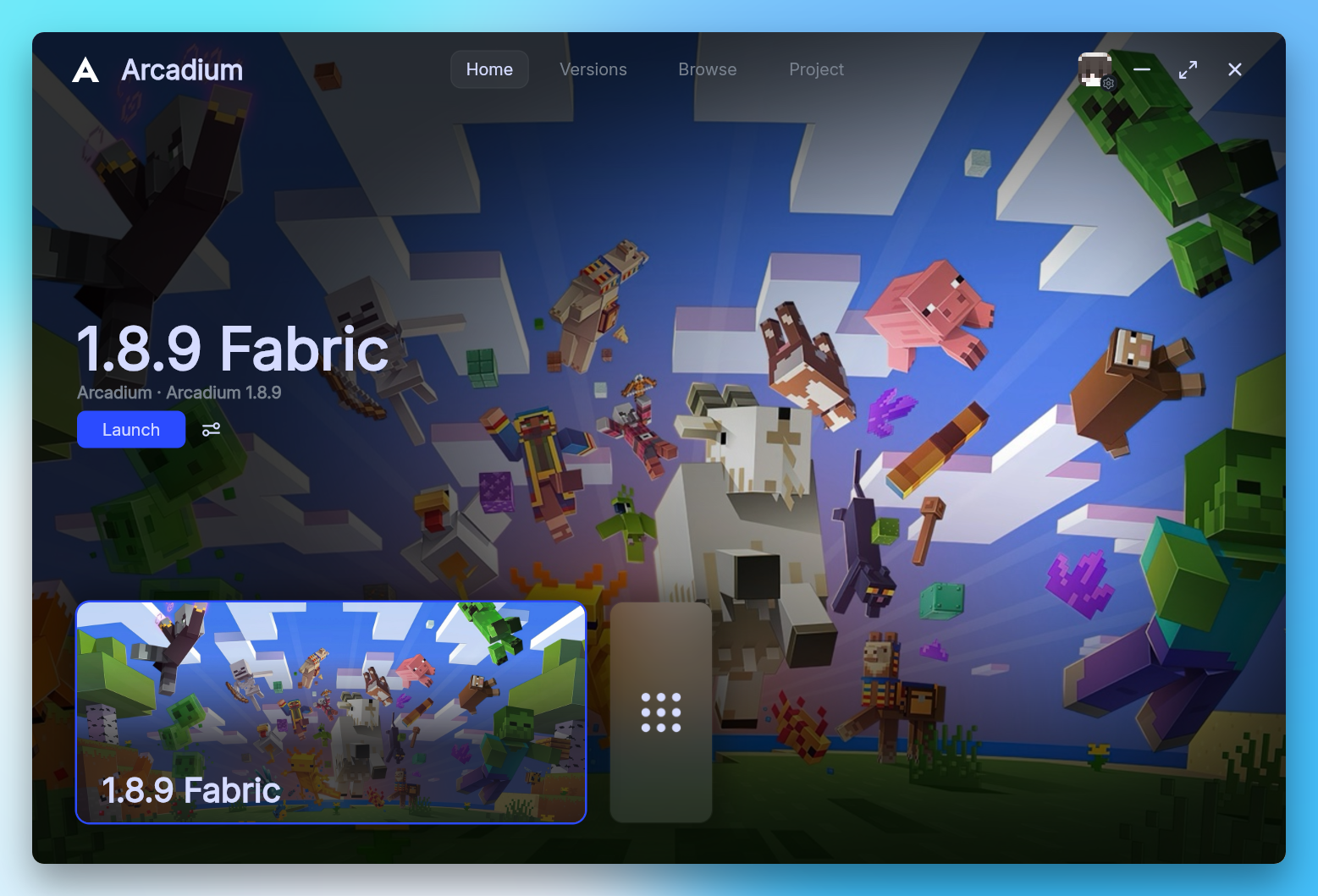
Arcadium installs the game, Java and client components for you. Sign in once, finish setup and launch Minecraft from a native Windows app.
Run the Windows installer and choose where to keep your game files.
Your browser opens automatically. Use the account that owns Minecraft Java Edition.
The launcher downloads the required files and prepares your 1.8.9 installation.
Authentication happens in your browser. Saved credentials are protected on your PC using Windows DPAPI.
Show Arcadium, your Minecraft version and elapsed play time in Discord. You can turn this on or off in launcher settings.
Choose the installation folder during setup. Your accounts, settings and game data stay on your computer.
Available for Windows
The launcher and 1.8.9 client, in one installer.
Arcadium is currently in beta. Report an issue
0.2.3Beta
ArcadiumClientSetup-0.2.3-x64.exe
Download installer377c42d52671811d7e019a14b167fc650ed5f0f9eb60c673c8d0ace3b7aa8ed2Yes. You need an account that owns Minecraft Java Edition. Sign in through the Microsoft page opened by the launcher. Arcadium never asks for your Microsoft password.
No. The launcher downloads the Java runtime and game components required for the client. An Internet connection is needed during setup.
Yes, provided they are compatible with Minecraft 1.8.9 and Ornithe Gen2. A generic Fabric label is not enough to confirm compatibility. Forge and Legacy Fabric builds use different environments.
The current release supports Windows 10 and 11 on x64 devices. There is no macOS or Linux installer available at this time.
Use GitHub Issues. Include the Arcadium version, what happened and the steps needed to reproduce it. Remove account tokens and personal information from logs before sharing them.